Magician Tape in a session

presentation video for Magician Tape
Home › Plugins › Magician Tape
Tape machine plugin
Tape saturation at three speeds, wear on one knob
DRIVE sets how hard the tape is hit, from a clean pass to crunch, and the output stays at the loudness of the bypass. SPEED picks the machine: 30 ips for a clean master, 15 for the classic low-end bump, 7.5 for soft, dark and loose. WEAR ages it in one move, with hiss, wow, darker highs and the odd dropout.
USD 49.90 until 31 December 2026, then USD 79.90
Try it in your browserThree knobs and a speed selector, enough to get the sound without reading a manual. DRIVE does most of the work and SPEED picks the machine.
Click either hatch and both open on ten more controls. ALIGNMENT is the technician's side, CONDITION the wear, one kind at a time. Every control works at every speed, so the same front settings can go many ways, and opening the hatches doesn't change the sound.
presentation video for Magician Tape
DRIVE sets how hard the tape is hit. At 0 the signal passes through the machine's electronics with a faint glow. At noon the tape is working: the peaks round off and the lows thicken. At 10 it's crunch, and a drum loop loses 10 dB of its peaks. The output stays at the loudness of the bypass, so what changes as you turn is the tape.
SPEED picks the machine. 30 ips is clean mastering tape, with a small bump high in the lows and an open top. 15 is the classic, with a bump around 50 Hz and a rounded top. 7.5 is soft and dark, with more hiss and nearly twice the wobble. The two VU meters show the level going onto the tape.
WEAR ages the machine. At 0 it's freshly serviced and silent. At 10 it's a forgotten reel: hiss, a slow pitch drift, the highs 9 dB down and a dropout a second.
Click either hatch and both open. ALIGNMENT holds BIAS, BUMP, TOP, BLEND and VOLTAGE. CONDITION holds HISS, WOW, FLUTTER, DROPOUTS and HUM, each kind of wear on its own. Every control is set to sound like too much at 10, so you hear what it does and then back off.
What it isn't for. The Magician has no tape echo and no menu of tape types. For echoes, use the Juggler Echo.
On our test loops, loudness stays within 0.3 dB of bypass across DRIVE at every speed, and the output is silent when the input stops at WEAR 0. Every one of the 51 presets sits within 0.1 dB of the dry signal.
51 factory presets in folders: Mix, Vocals, Drums (kit, kick and snare), Bass, Guitar (acoustic, clean and driven), Keys and Lo-Fi. Each is level-matched to the dry signal. The trims, bypass and HUM stay out of presets, so your gain staging survives a preset change.
.vst3 files to C:\Program Files\Common Files\VST3, then rescan plugins in your DAW.Stuck? Write to [email protected]. reply-time promise we can keep
Reviews from people who bought Magician Tape show here. review tool, and the first verified reviews after launch
Tape saturation at three speeds, wear on one knob
USD 49.90 until 31 December 2026, then USD 79.90
Mac: AU and VST3 · Windows: VST3 · perpetual licence · 3 computers
Only to activate. After that it works offline.
3 at once, Mac or Windows. You can free a seat from inside the plugin.
Any that loads AU or VST3: Logic Pro, Ableton Live, FL Studio, Cubase, Studio One, Reaper, Bitwig Studio. list of DAWs we tested Pro Tools needs AAX, which comes later.
Every control works for 14 days, one trial per computer, and you don't need a card. You start it from inside Magician Tape with a free Circus Audio account.
decide in step 21 of setup.md, for example: the plugin passes the sound through untouched and asks you to buy or sign in, and your sessions keep their settings
The Circus Bundle is USD 109.90 until 31 December 2026, then USD 199.90, minus what you paid for the plugins you own. Sign in before checkout and the price adjusts.
Yes, see the refund policy.
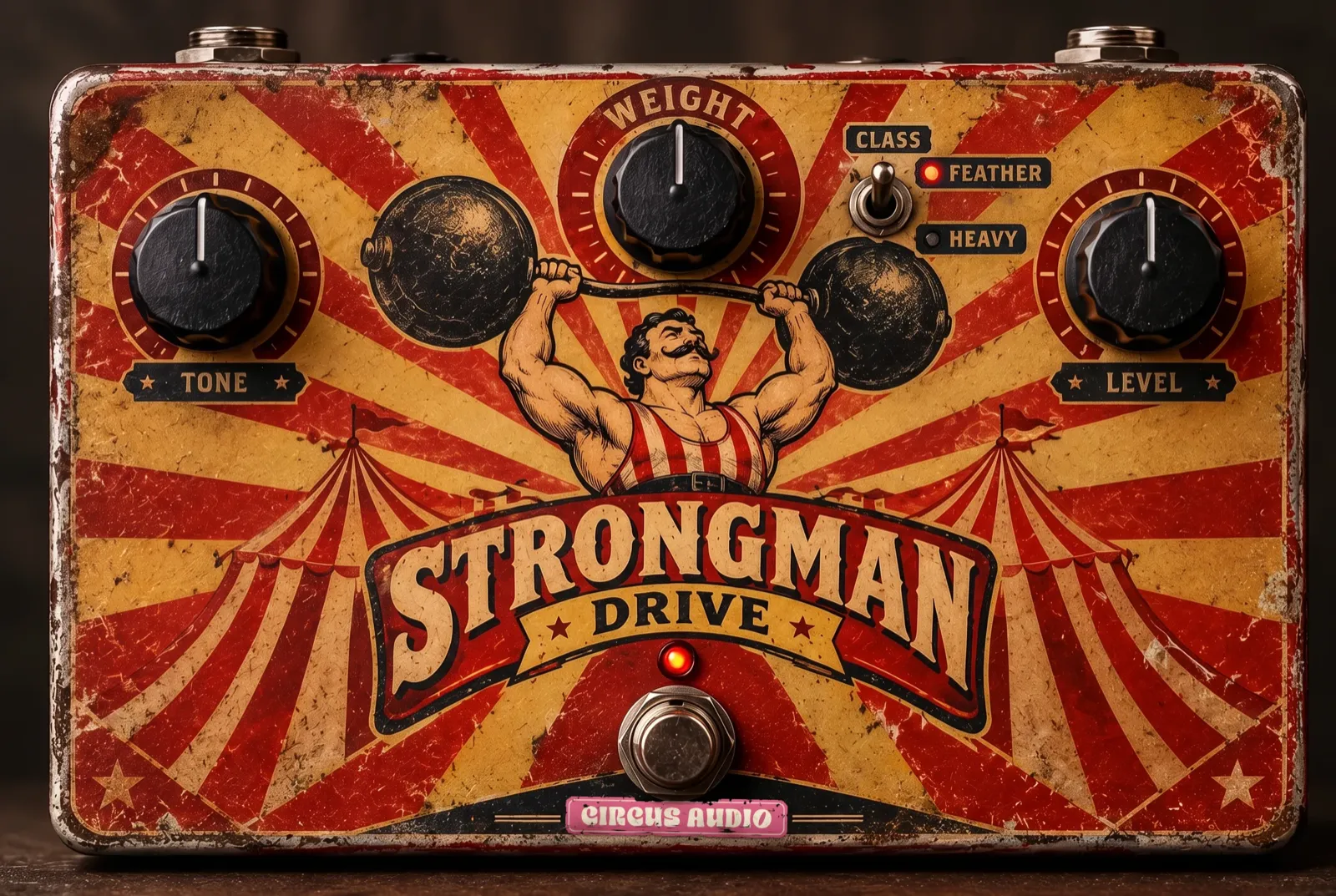
Tube warmth and overdrive, level-matched as you push
USD 29.90 until 31 December 2026, then USD 59.90
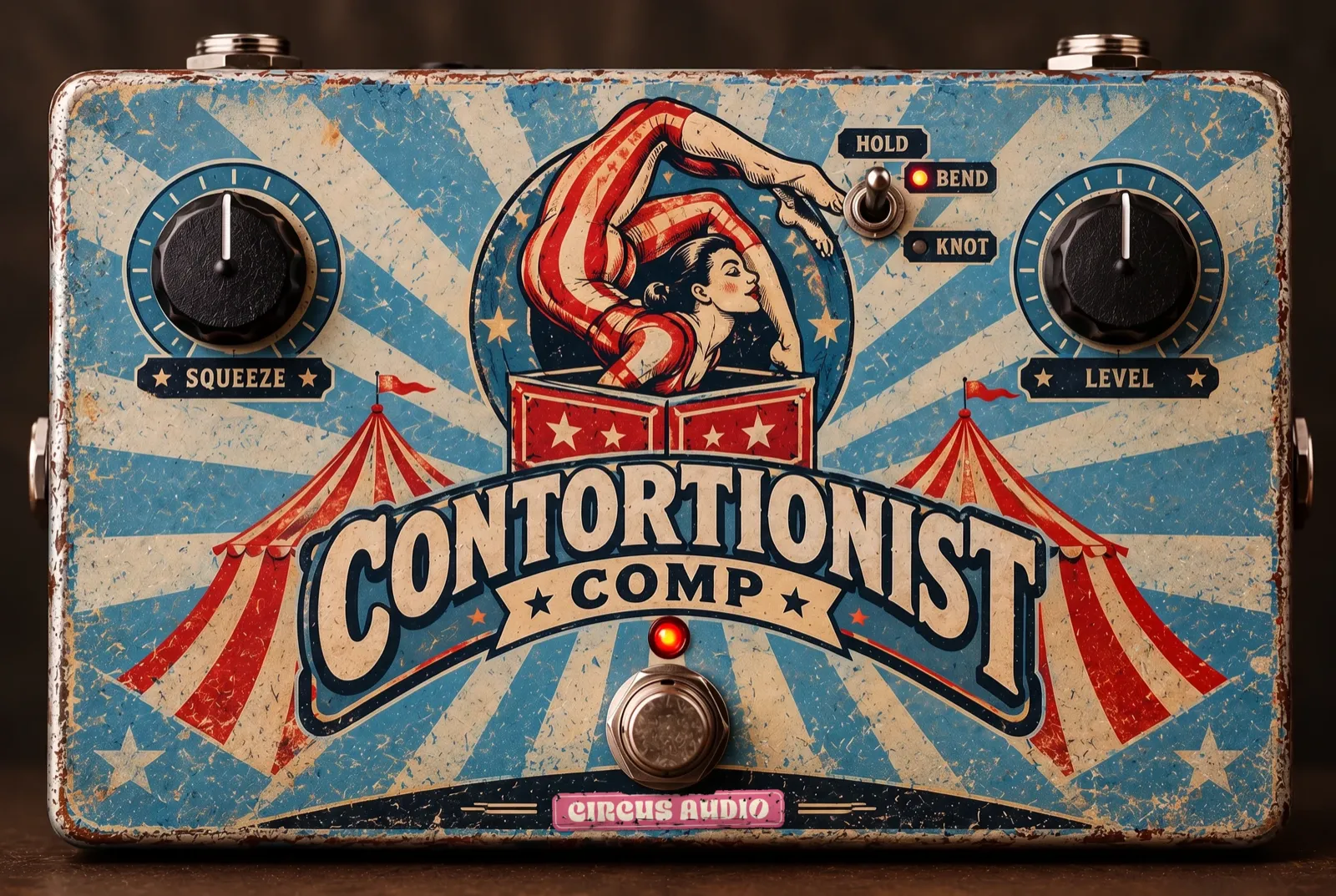
Optical leveler with two knobs and a limit switch
USD 29.90 until 31 December 2026, then USD 59.90
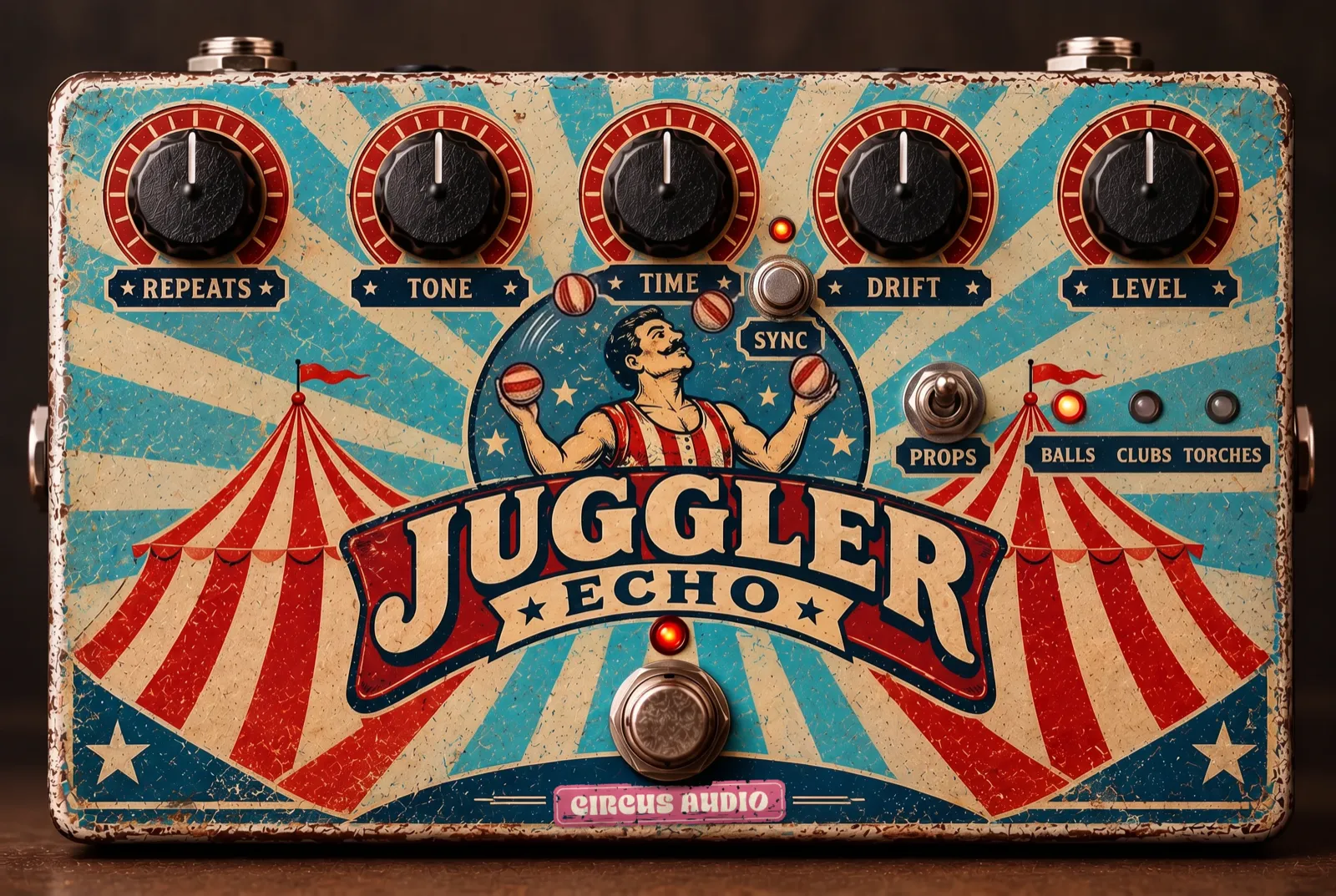
Clean, tape and overdriven tape echo with tempo sync
USD 29.90 until 31 December 2026, then USD 59.90
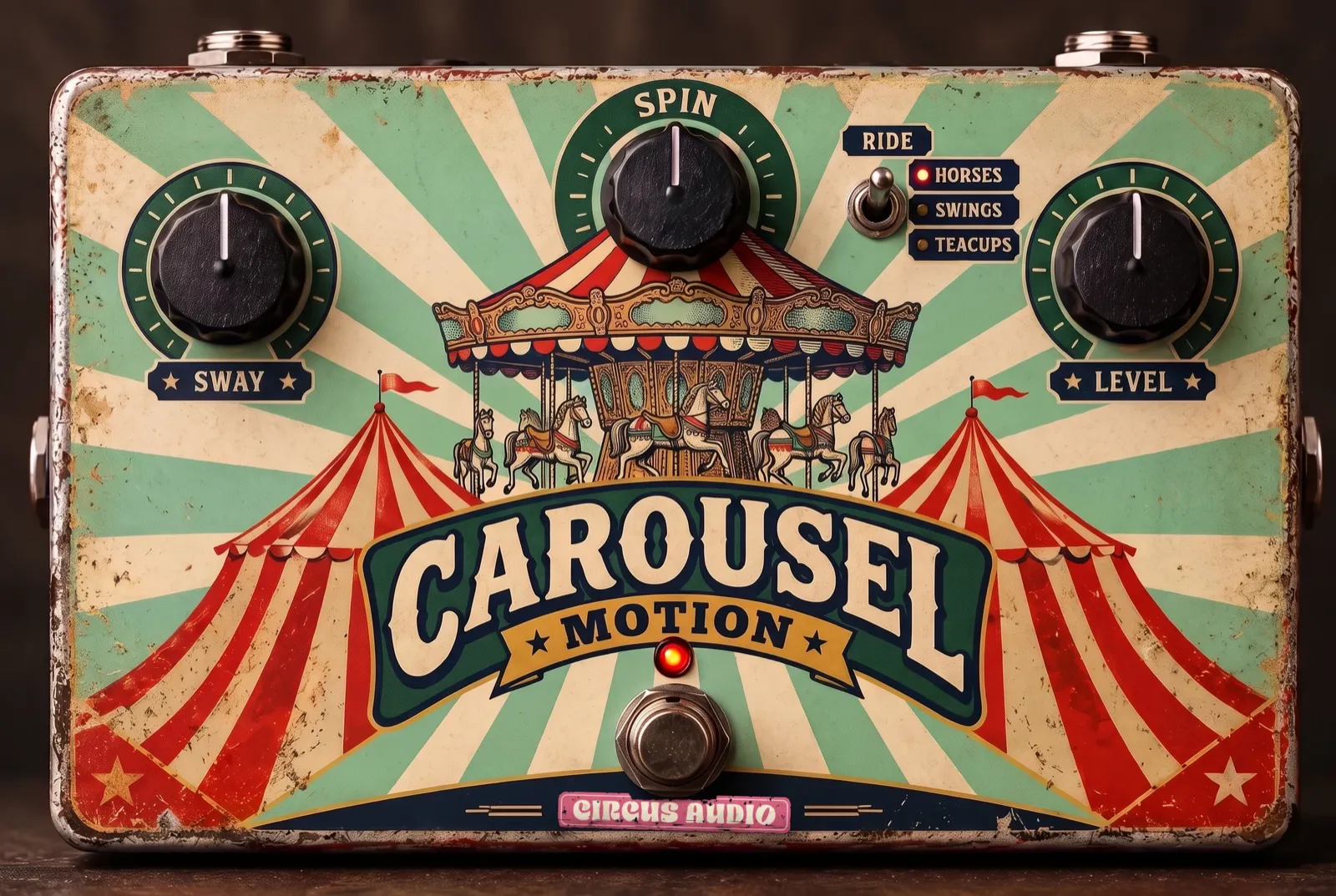
Chorus, flanger and phaser with tempo sync
USD 29.90 until 31 December 2026, then USD 59.90
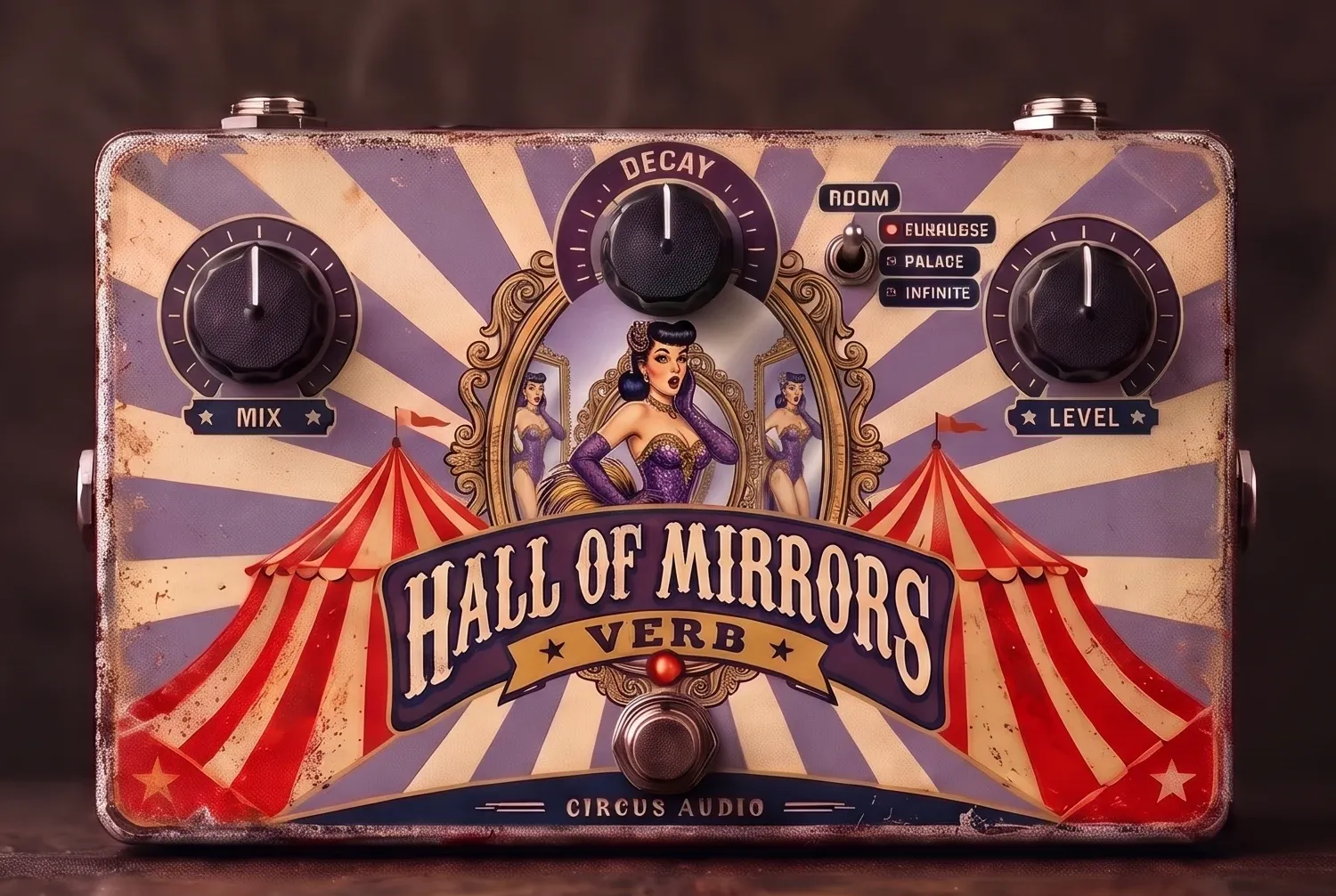
Room, plate and long hall with freeze and shimmer
USD 29.90 until 31 December 2026, then USD 59.90